

Creating digital activities that are engaging and self-checking doesn't have to be a headache. It can be fun, quick and easy with the right tools. Say hello to your Summer of Sheets Templates!
Each template for use with Google Sheets only is preformatted and ready for you to "plug and play." Simply add your content and customize to your liking! The activities you'll be able to create will engage your students while they practice new skills and reinforce old ones as you work your way through the school year.
Each template is also designed with dual functionality -- need a printed resource instead of a paper one?? Each activity is designed to easily be printed for students to have as a worksheet instead of a digital assignment.
Self-Checking, Self-Grading, & Easily Printed!
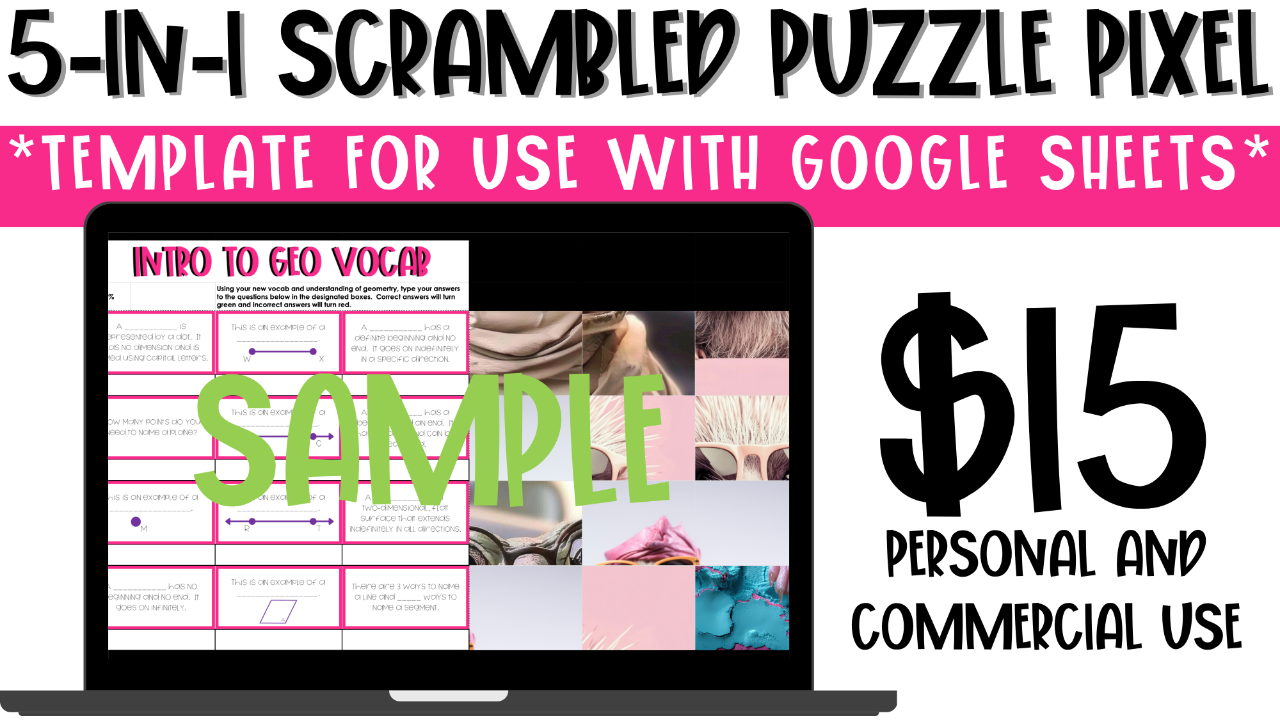
As questions are answered correctly puzzle pieces will begin to find their home.
Correct answers will turn green while students work letting them know which answers are right and which answers are wrong.
After all 12 questions are answered correctly, the scrambled images will show the final piece.
Need them as a paper activity? Simply select the cells where students view and answer questions and choose to print them.

Template 2: Maze (Create Your Own Path)
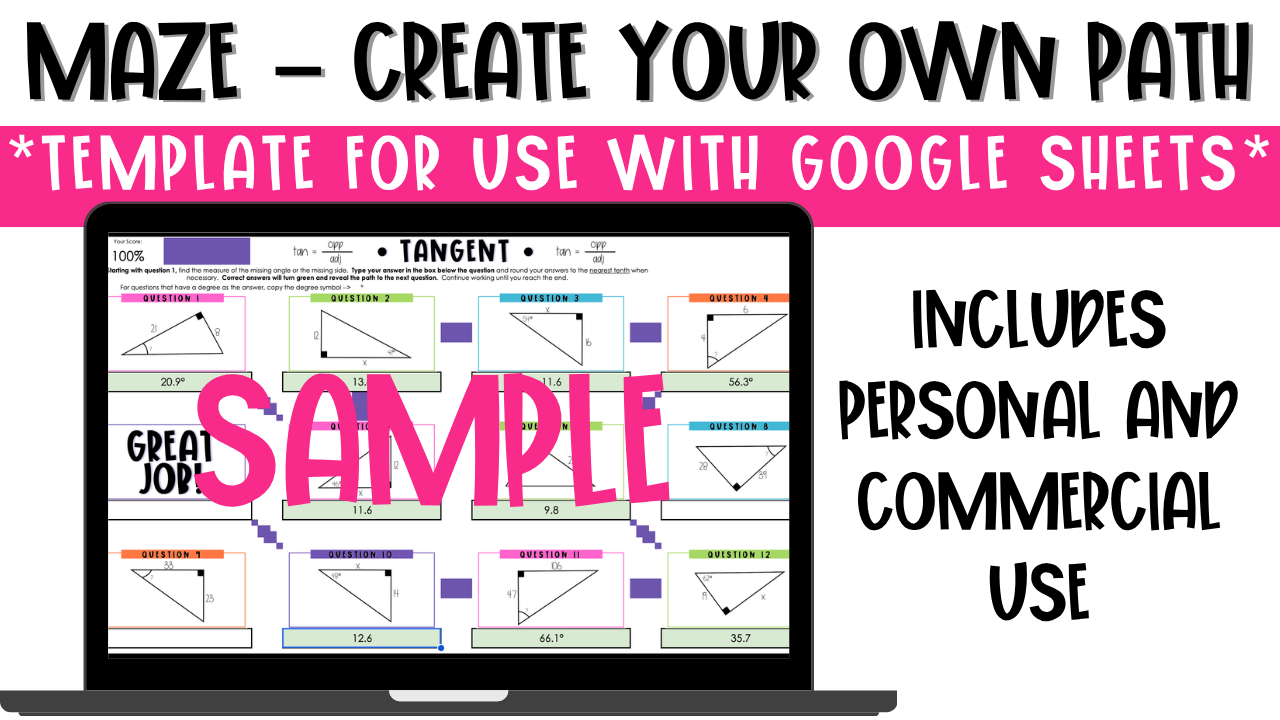
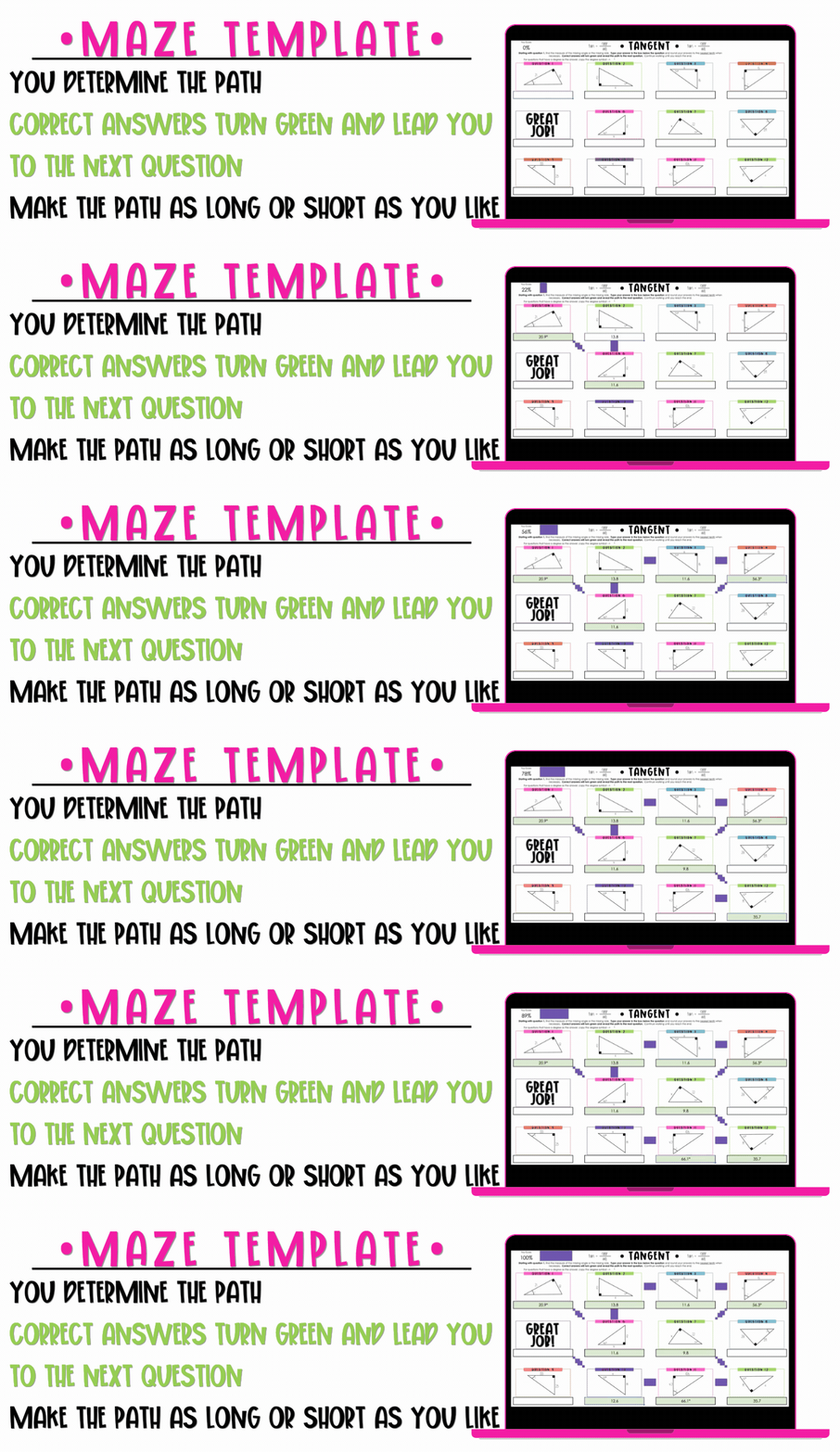
Love a printable maze but wish it could be digital?? Say hello to this maze template where you get to create your own path every time. This resource comes with a 12 question base template and a 16 question base template where you get to decide not only the path that will be followed, but the number of questions that need to be answered, too. As students answer questions, the activity will alert students to correct answers by turning green and lighting a path to the next question.
This template gives you the opportunity to create digital versions of your favorite printable mazes, or just digital mazes for practice in general! After you have added in your questions and chosen your path, watch as the template does all the magic leading you from one question to the next until you complete the path you've picked.
What do you need to create with this template?
- CONTENT: You'll need to choose a topic that you can create 12 or 16 different questions from. Answers can be numbers, words or phrases.
- PATH: Using the provided worksheet or just by looking at the templates, determine the path you want the maze to follow from beginning to end. YOU get to decide where students will start and where they will end.
- TIME: While there is no experience necessary in order to create an activity, you will need a little bit of time to put it all together. Depending on the complexity of the topic and how much customization you put into designing, a resource can be made (from start to finish) in 15 minutes or less.
How is this a custom path?
The template is set up where you will get to decide, as the creator, the path you want students to take. Everything is pre-formatted for you to follow the path you create (as long or as little as you like) once you've told the spreadsheet how to move.
Can I use this template to make resources for TPT or any other website?
Yes! Purchasing this template provides you with commercial use and allows you to create resources that can be sold, so long as there is an educational component to them. The template cannot be re-sold as is or in a modified form without an educational component.
Template 1: 5-in-1 Scrambled Puzzle Pixel Template
This template is the first template of the Summer of Sheets! It is a 12 question puzzle pixel activity with a twist. As students answer questions, the activity cycles through 5 different "puzzles" and their pieces. As correct answers are entered, pieces for the mystery puzzle will remain put.
This template gives you the opportunity to create 5 resources in one shot! After you have added in your puzzle pieces, choose which image you want to be revealed at the end. Simply make a copy of the activity and choose a new, pre-added image as your final reveal.
What do you need to create with this template?
- IMAGES:. You'll need 5 different images that you have created yourself or have permission to use. These images should all be the same size (all square, all rectangular, etc)
- CONTENT: You'll need to choose a topic that you can create 12 different questions from. Answers can be numbers, words or phrases.
- TIME: While there is no experience necessary in order to create an activity, you will need some time. It will take time to insert the puzzle pieces to their designated spaces, add in your content and customize the activity. It will take approximately 30 minutes to create a resource from beginning to end.
How is this a 5-in-1 template?
This resource can be used 5 times without changing the final images. As you begin creating, you will add in all of your puzzle pieces. You can then make a copy of the activity (with all of the puzzle pieces inserted) 5 times. From here, you can create 5 different activities with the same puzzle pieces, choosing a different image as the final reveal each time.
Can I use this template to make resources for TPT or any other website?
Yes! Purchasing this template provides you with commercial use and allows you to create resources that can be sold, so long as there is an educational component to them. The template cannot be re-sold as is or in a modified form without an educational component.


Can I use the templates to create resources for my classroom and TpT store?
Can I use these templates in Microsoft?
Do I need a Google account in order to create resources with these templates?
Are there any prerequisites needed in order to be successful with these templates?
Due to the digital nature of the material provided in each download, purchases are non-refundable. If you are unsure if a template is right for you, let's chat! Please send me an email to [email protected].